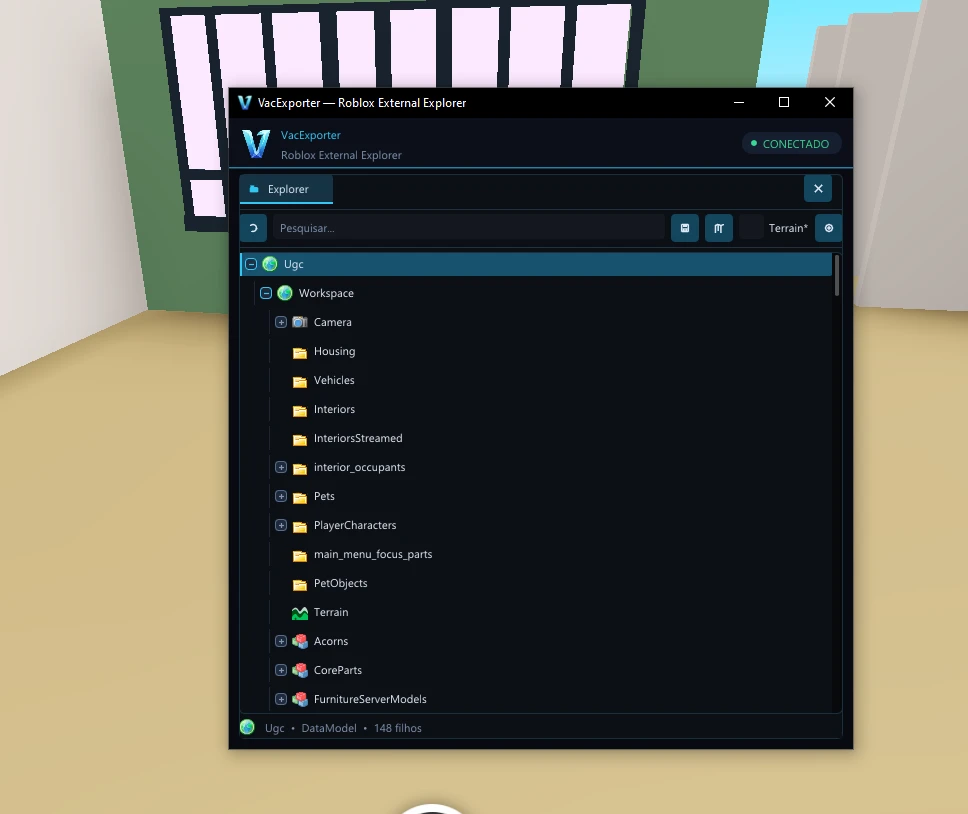
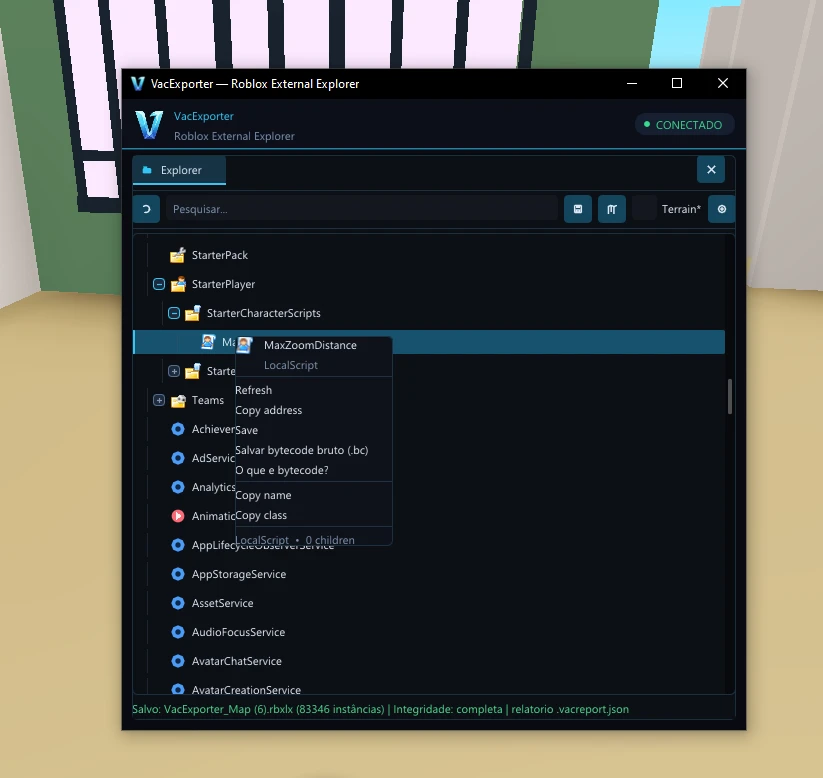
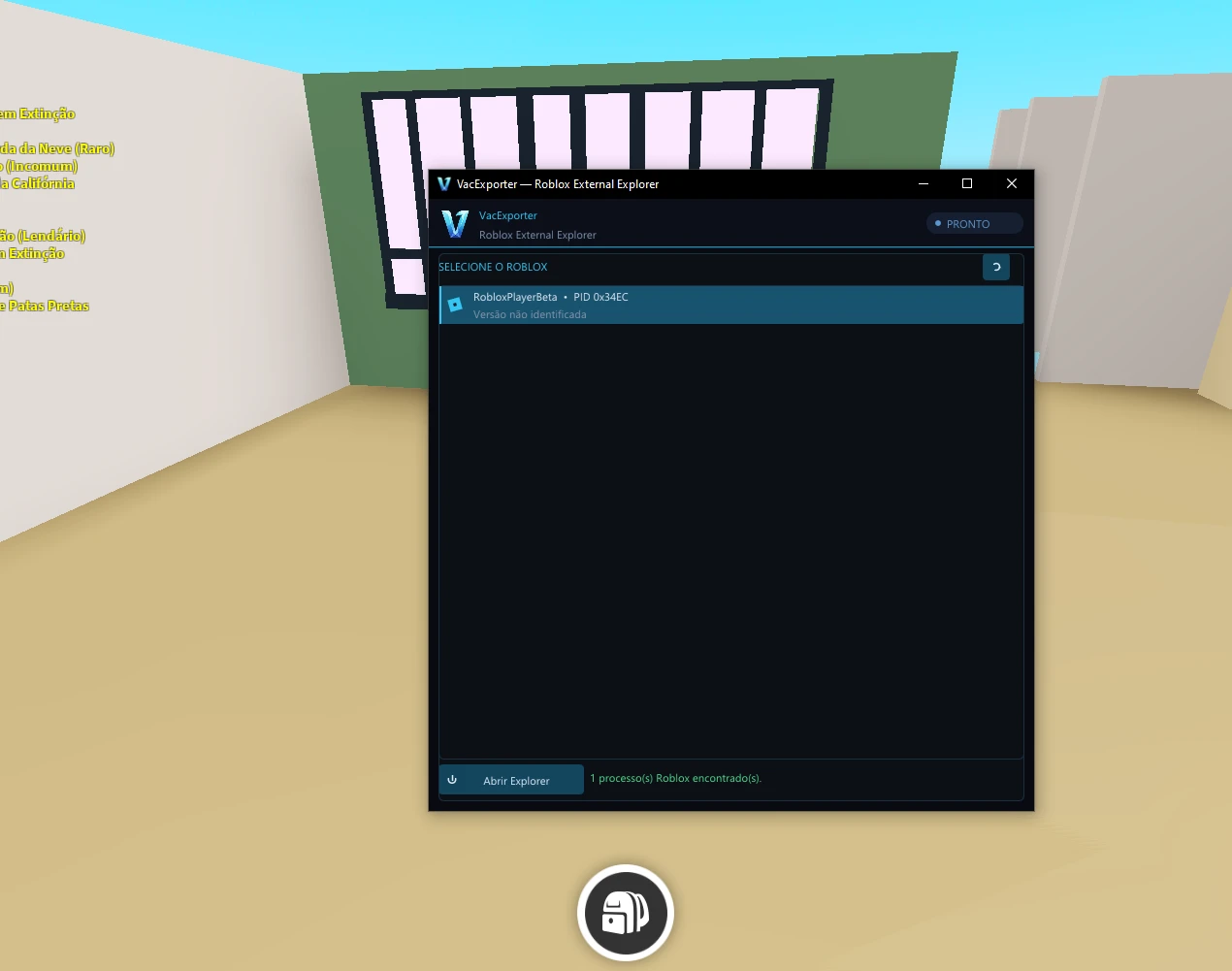
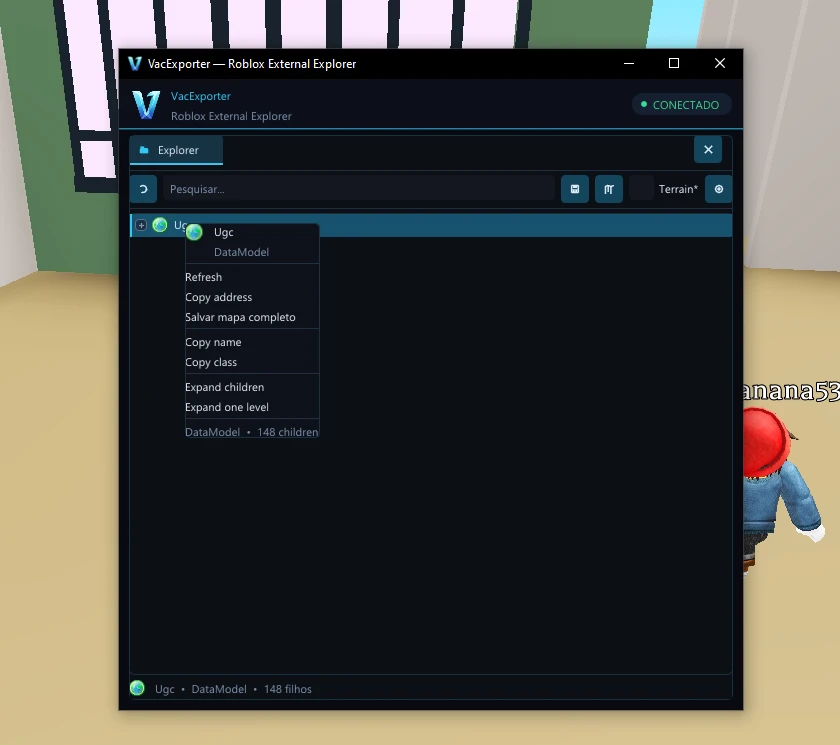
Vac Exporter











Bulk savings
| Quantity | Discount | Per unit |
|---|---|---|
| — | each |
1 person is viewing this product right now.
0 purchases.
About Vac Exporter
🛡️ Ideal for players who want a competitive edge without compromising account safety.
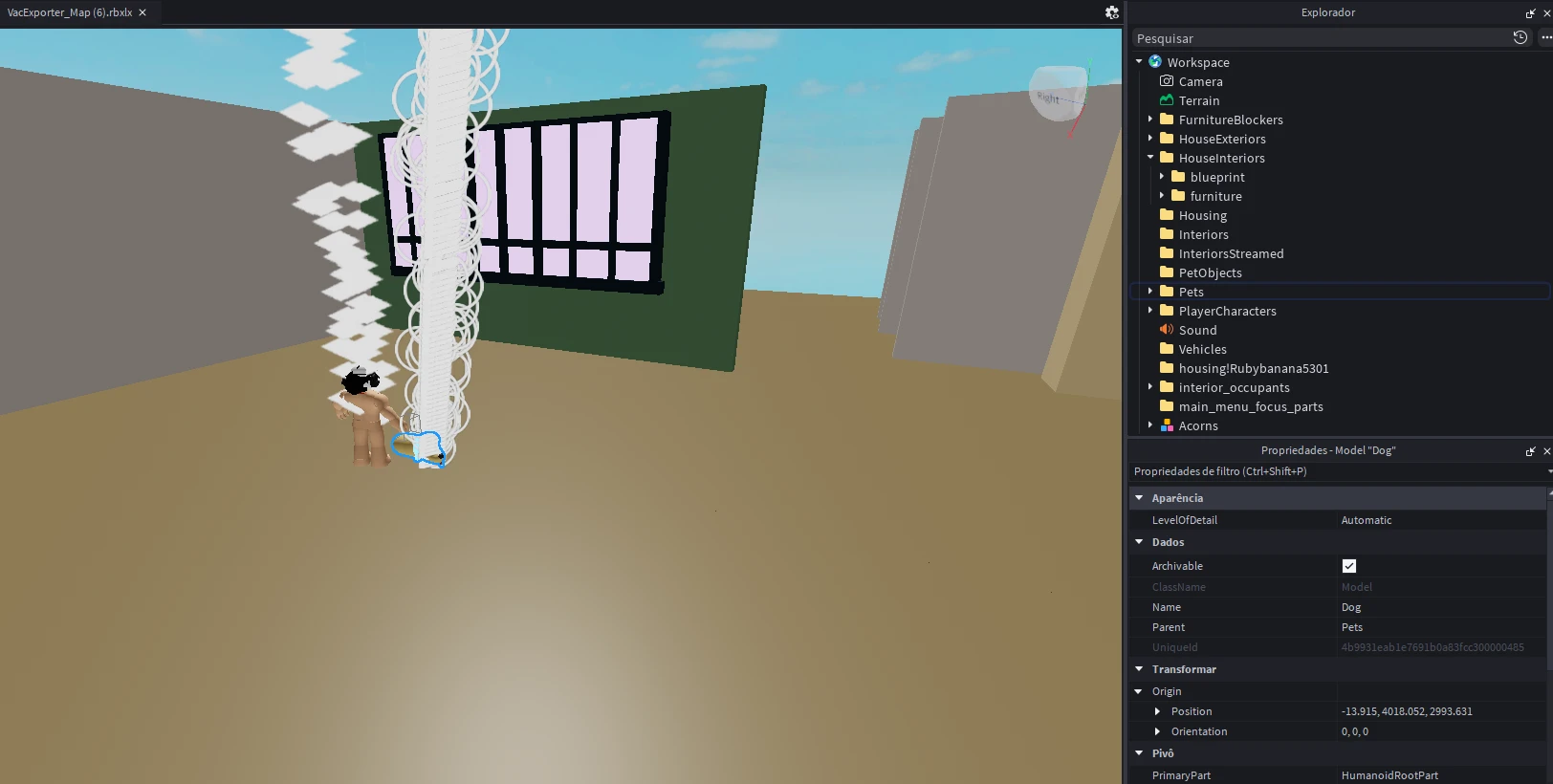
- VacExporter is a fully external Roblox map exporter built for speed, reliability, and ease of use. Featuring a modern Explorer with fast search, multi-selection, and full hierarchy browsing, it allows you to export models, folders, meshes, GUIs, animations, scripts, and complete workspaces as RBXLX files. It preserves script instances, supports Luau bytecode dumping, includes flexible export options, automatic compatibility updates, and is available with both Standard and Single-Map licenses.
- VacExporter delivers significantly faster export speeds than traditional SaveInstance methods. In testing, maps that took 2–3 hours to export with SaveInstance were completed in just 1–2 minutes with terrain, or as little as 35–40 seconds without terrain. Unlike SaveInstance, which was detected during testing, VacExporter completed exports with no known detection risk, providing a faster and more reliable exporting experience.
Features
- Fully external application
- Modern and intuitive Explorer
- Browse the hierarchy available to the Roblox client
- Fast searching and navigation
- Multi-selection support
- Export individual instances and selected groups
- Export models, folders, parts, meshes, GUIs, animations, and other supported objects
- Export the complete workspace as an RBXLX file
- Preserve script instances in exported places
- Dump available Luau bytecode from supported scripts
- Choose an export folder or use quick saving
- Automatic compatibility updates
- Standard and single-map license support
Support:
- Join our Discord for questions or assistance: Support Server
To maintain a high level of security and fraud prevention, we do not allow payments made through VPNs or proxy connections. All payment attempts made while using a VPN will be automatically blocked by our system.System Requirements
WindowsSupported Games
- Roblox & Roblox Studio
Getting Started
After purchasing, follow these steps:
- Go to the Guide / Download and see the steps for using the product.
Our Socials
All social media accounts are listed in the footer and on Discord and are up to date.
Product in Action
Vac Exporter

Log in to Your Customer Account Check your inbox Enter your password Two-Factor Authentication
We'll email you a one-time code, no password needed. Enter the 6-digit code sent to . Enter the password for . Enter the 6-digit code from your authenticator app, or an 8-character recovery code.
Products
![14x Server Boosts [ 3 month ]](https://vyngg.store/storage/images/1126461.webp)
14x Server Boosts [ 3 month ]
2x Server Boosts [ 3 month ]
4x Server Boosts [ 3 month ]
6x Server Boosts [ 3 month ]
20x Server Boosts [ 3 month ]











































No matches here. Press Enter to search everything.